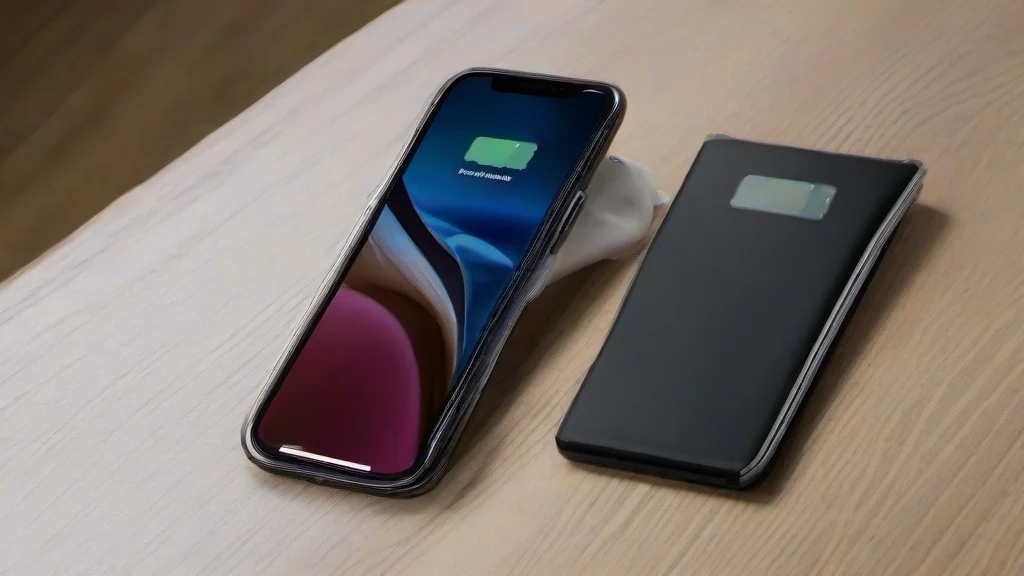
Apple’s iPhone Duo has several features that are easy to miss. These five options can help with multitasking, controls and automation on the folding phone.
Picture-in-picture offers a workaround for portrait multitasking. While the Duo’s side-by-side app mode works in landscape, a minimized video can sit at the top of the display in portrait, with a second app below it. Start a video, minimize it into picture-in-picture, then open another app and use the video’s expand control.
A shortcut to Control Center is built into the icon that shows Wi-Fi and cellular reception. Tap it to open Control Center without swiping down from the top-right corner of the screen.
For video calls in dim rooms, Edge Light turns the display’s border into a virtual ring light. It is available when the phone is unfolded: open Control Center during a call, select “FaceTime controls,” then choose the light bulb next to Edge Light. Brightness and hue can be adjusted manually, or the Automatic option can adapt the effect to the room’s ambient light.
The volume buttons can also be set to respond to the phone’s orientation. Go to Settings > Sounds & Haptics > Fixed Position Volume and turn the option off. The right button will then raise the volume and the left button will lower it, regardless of how the Duo is rotated.
Finally, the Shortcuts app offers an “Open or Closed” automation trigger. It can run a shortcut when the phone is unfolded or folded, such as opening Books when the Duo is opened. To set it up, create an automation in Shortcuts, select “Open or Closed” under Display, and add an Open App action for the app you want to launch.
Sources: Tom's Guide.